Everything Timer.Coffee can do
Guided timers for 30 brewing methods, 40+ recipes, a brew diary, a coffee bean cellar, and offline support with sync across devices. Free, open source, no ads. Jump to any section below.
Guided brewing
Like having a barista call out every step
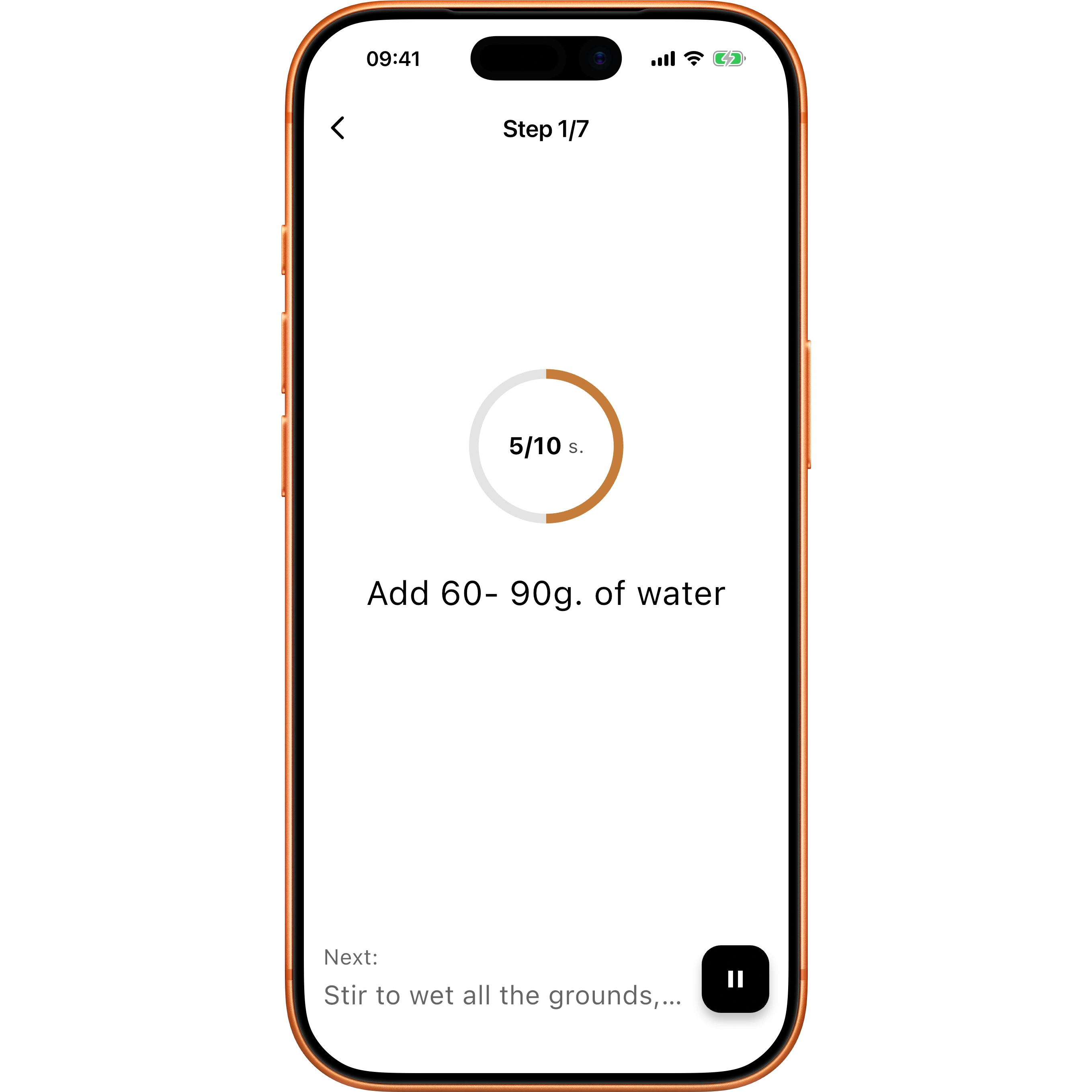
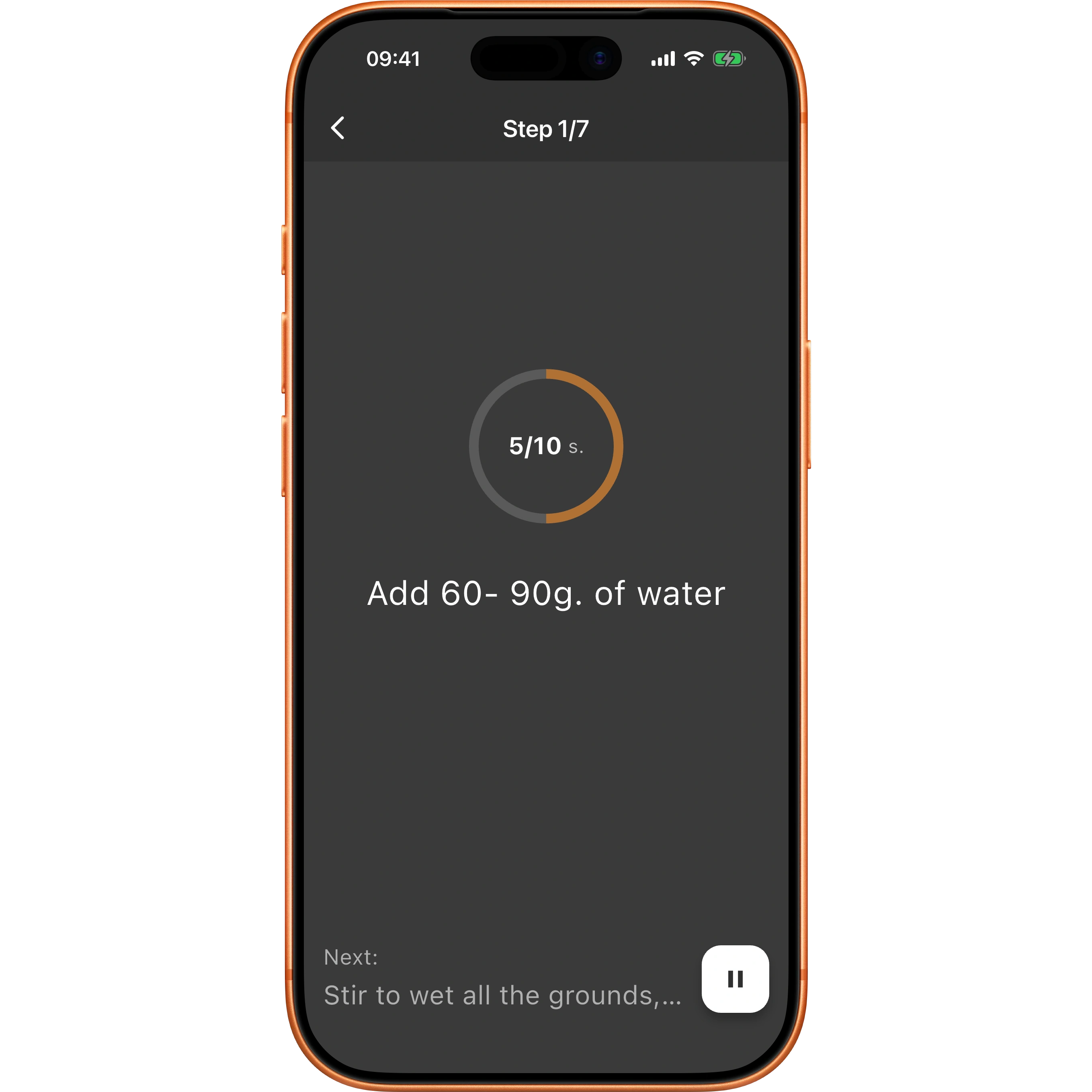
Press start and pour. Timer.Coffee tells you how much water to add and when to add it, so you're not counting seconds with a kettle in one hand.
Never miss a step
Every pour and bloom has its own countdown and water target, so you always know what's next.
A nudge when it matters
Each step ends with a sound or a short vibration, whichever you prefer, and the screen stays awake for the whole brew.
Step away if you need to
Pause mid-brew and pick up right where you left off when you're back.
30 brewing methods
Whatever you brew with, it's in here
Timer.Coffee covers 30 methods: V60, AeroPress, Chemex, French press, Kalita Wave, Origami Dripper, Hario Switch, Clever Dripper and plenty more. If you just picked up a new brewer, chances are it's already in the list.
- Hario V60
- AeroPress
- Chemex
- French Press
- Clever Dripper
- Kalita Wave
- Origami
- Espresso
- Batch Brew
- Hario Switch
- Wilfa Svart
- Melitta Cone
- Bee House
- Phin Filter
- Neapolitan Flip Pot
- Moka Pot
- Siphon
- Cezve
- Tricolate
- Pulsar
- UFO Dripper
- Orea Brewer
- April Brewer
- OXO Rapid Brewer
- Ceado Hoop
- Timemore B75
- Espro Bloom
- Weber Workshops BIRD
- Cafec Flower Dripper
- Cupping
There are 40+ recipes across the 10 most popular methods on the recipes page, and you can create your own for any of the 30.
Recipes
Recipes that scale to your cup
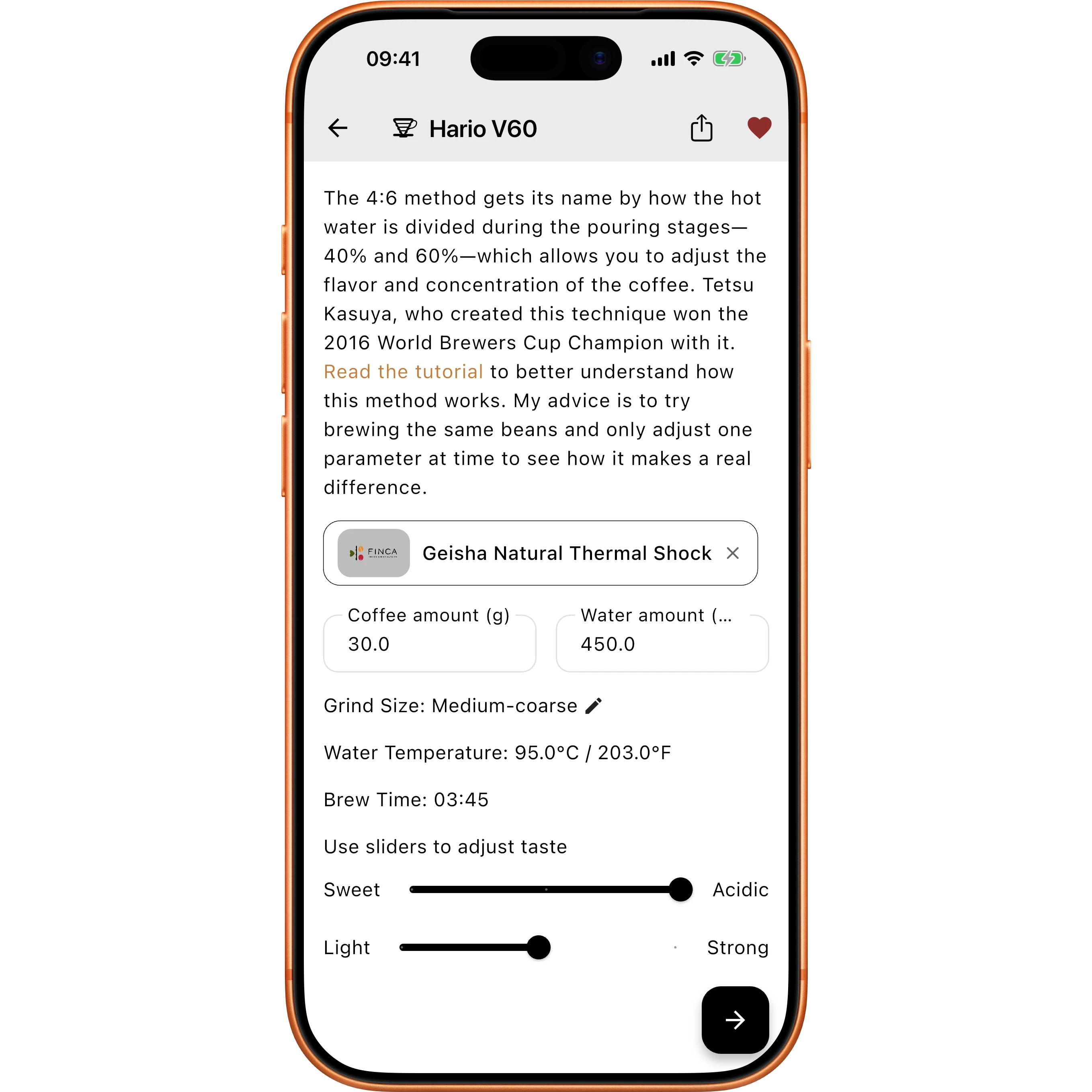
Make one cup on a weekday morning or a full pot when friends are over. Set the amount and Timer.Coffee adjusts the recipe, so it tastes right at any size.
Start from the best
40+ recipes from well-known baristas, including James Hoffmann's AeroPress method, ready to brew in a tap.
Scales to any size
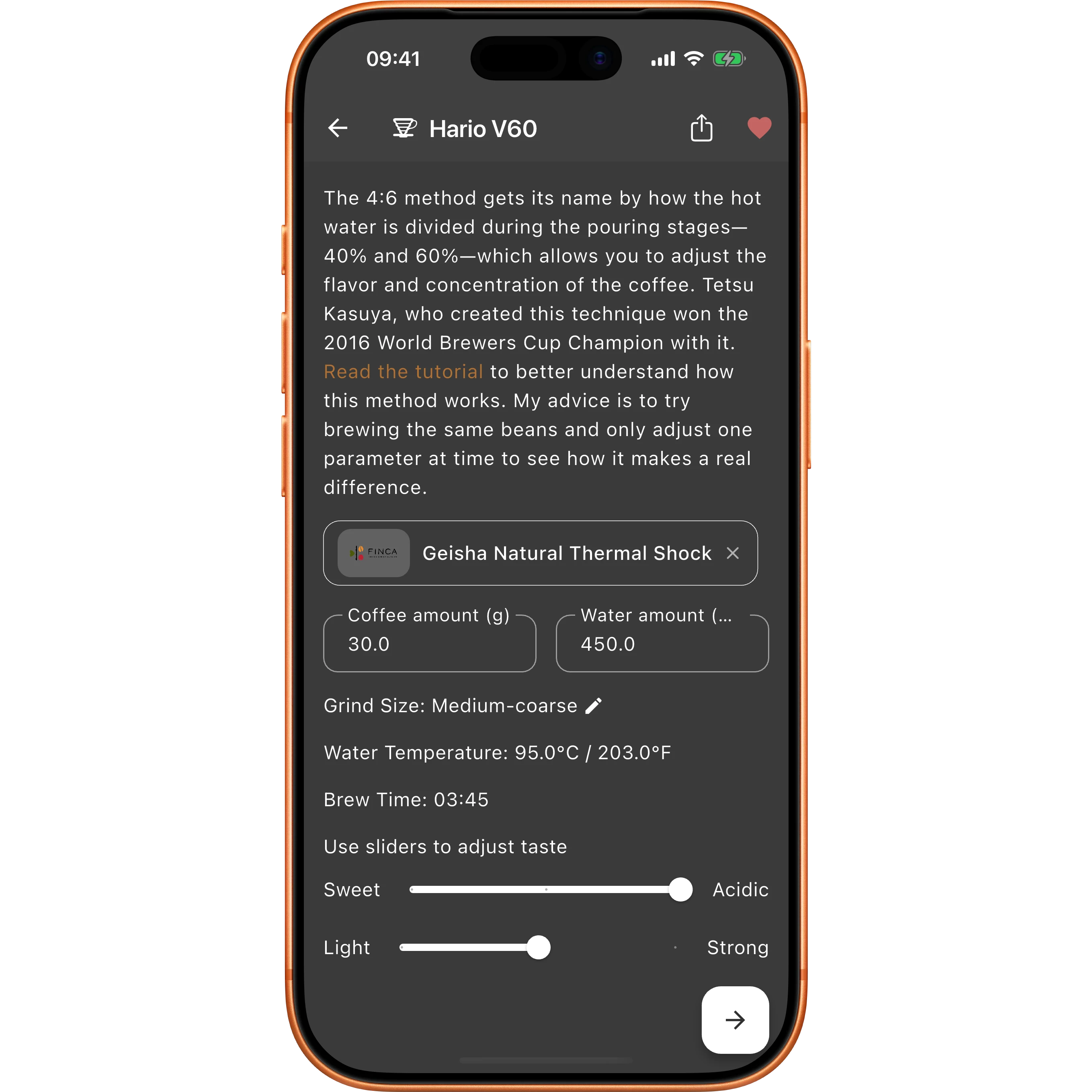
Change the coffee or water amount and every pour step is recalculated at the same ratio. Tetsu Kasuya's 4:6 recipe also has sweetness and strength controls.
Make it yours
Tweak anything to taste, save your own recipes, and share them with a friend by sending a link.
Bean cellar
Never forget a great bag again
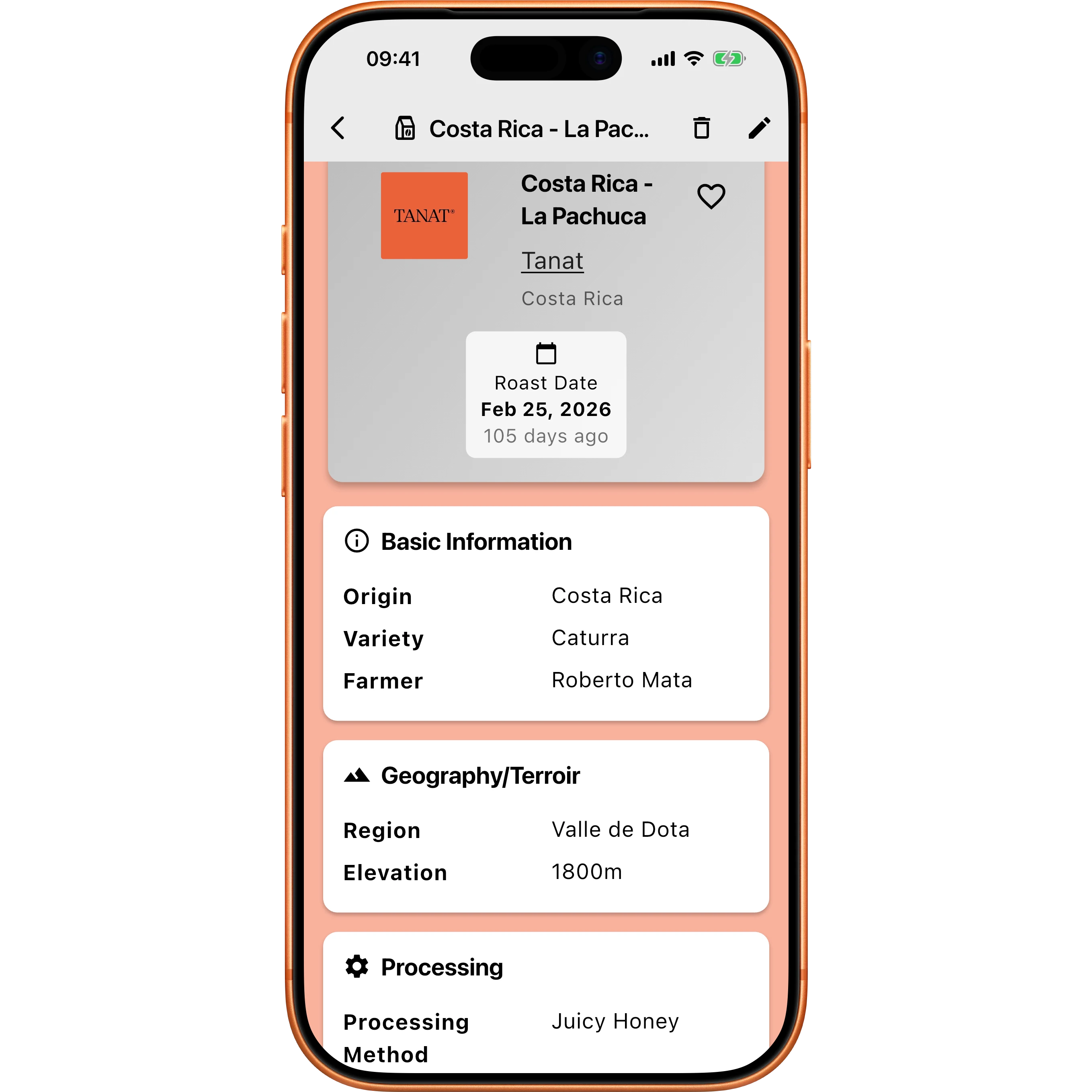
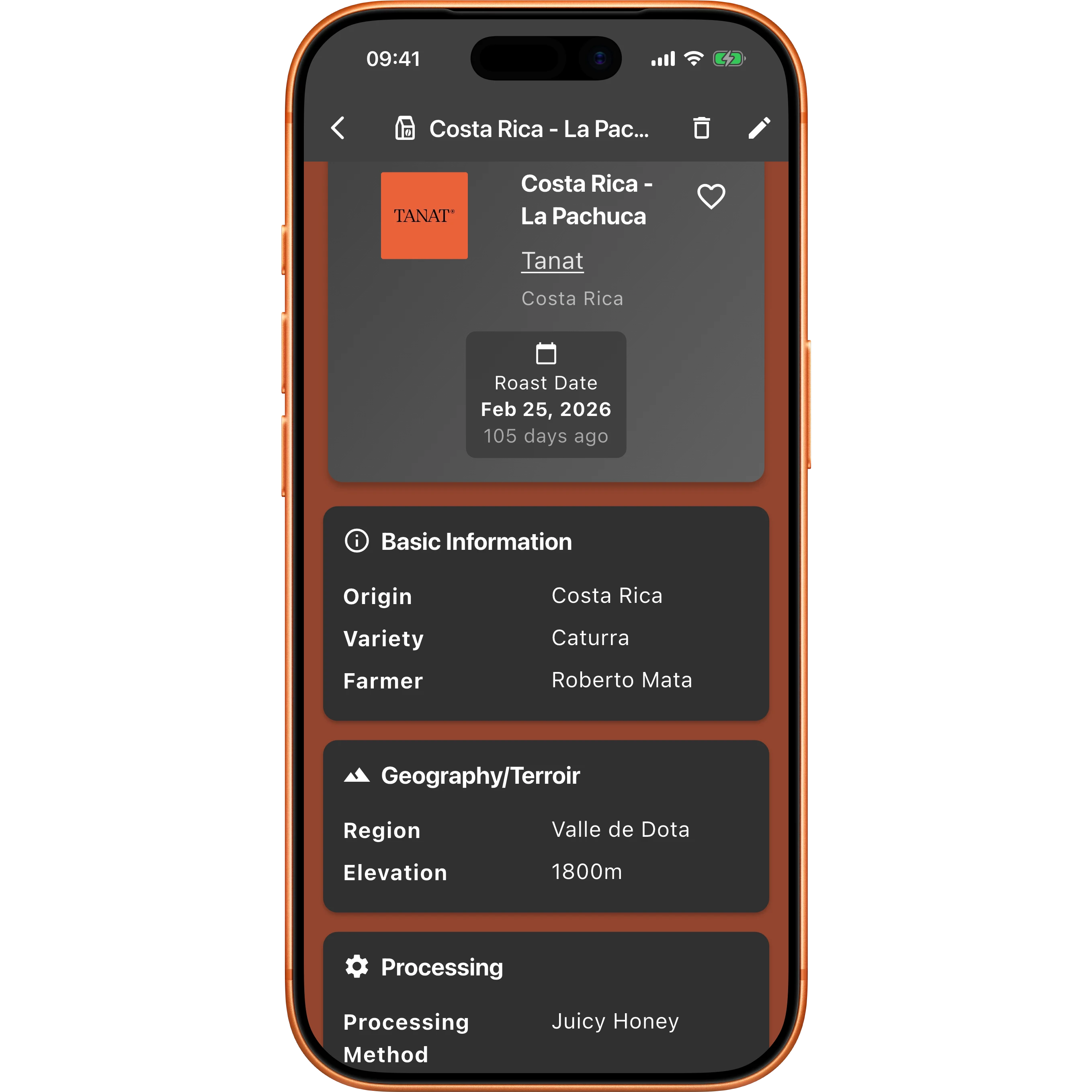
A record of every coffee you've bought, with as much or as little detail as you like. Snap a photo of the bag and the app fills in the rest for you.
The whole story
Roaster, origin, variety, process, roast date, tasting notes, a photo. Fill in what matters to you and skip the rest.
Skip the typing
Point your camera at the label and Timer.Coffee reads the roaster and bean details for you.
Worth buying again?
Rate each coffee on sweetness, acidity, body and a few other things, and mark your favourites so the good bags are easy to find later.
Brew diary
Watch a coffee go from good to dialled in
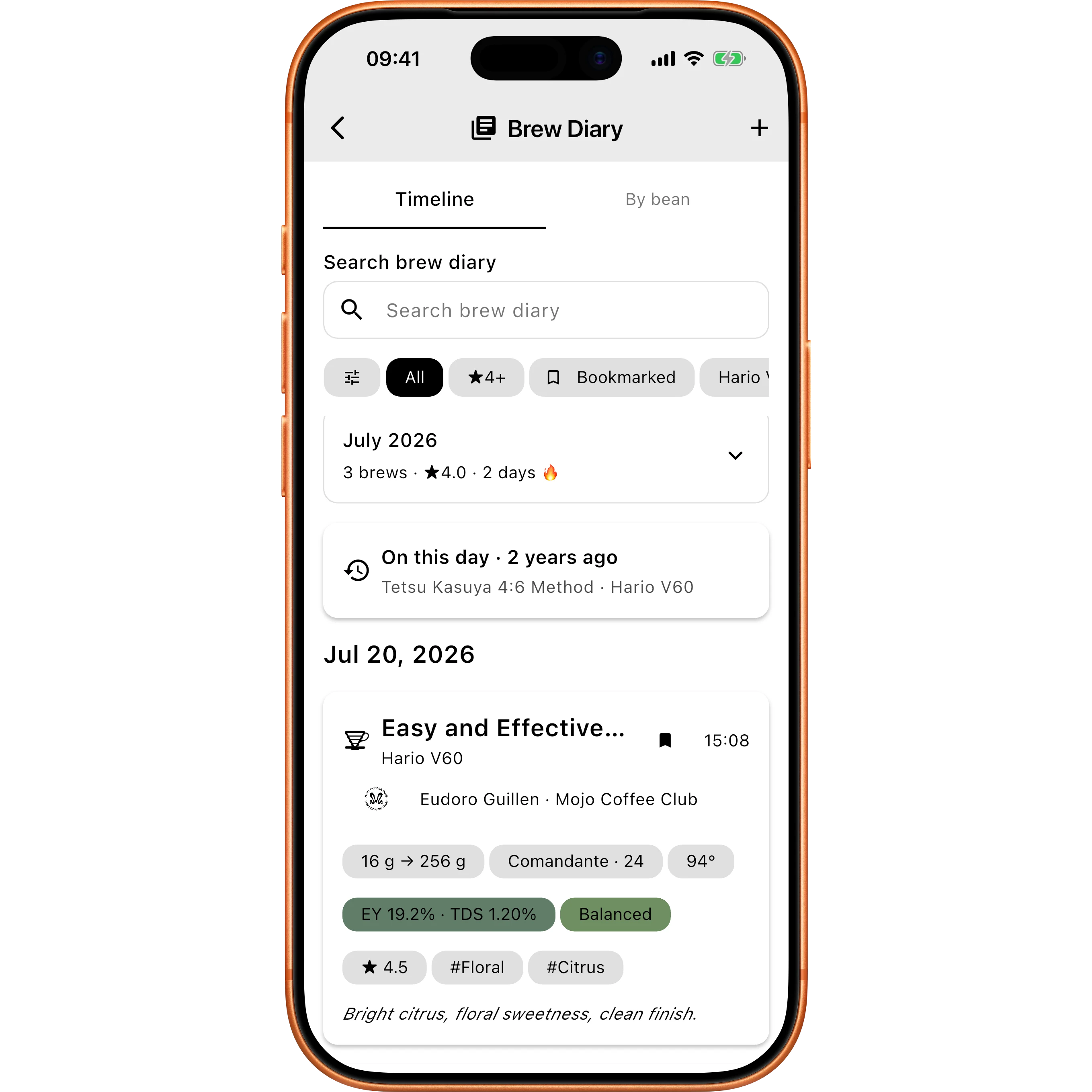
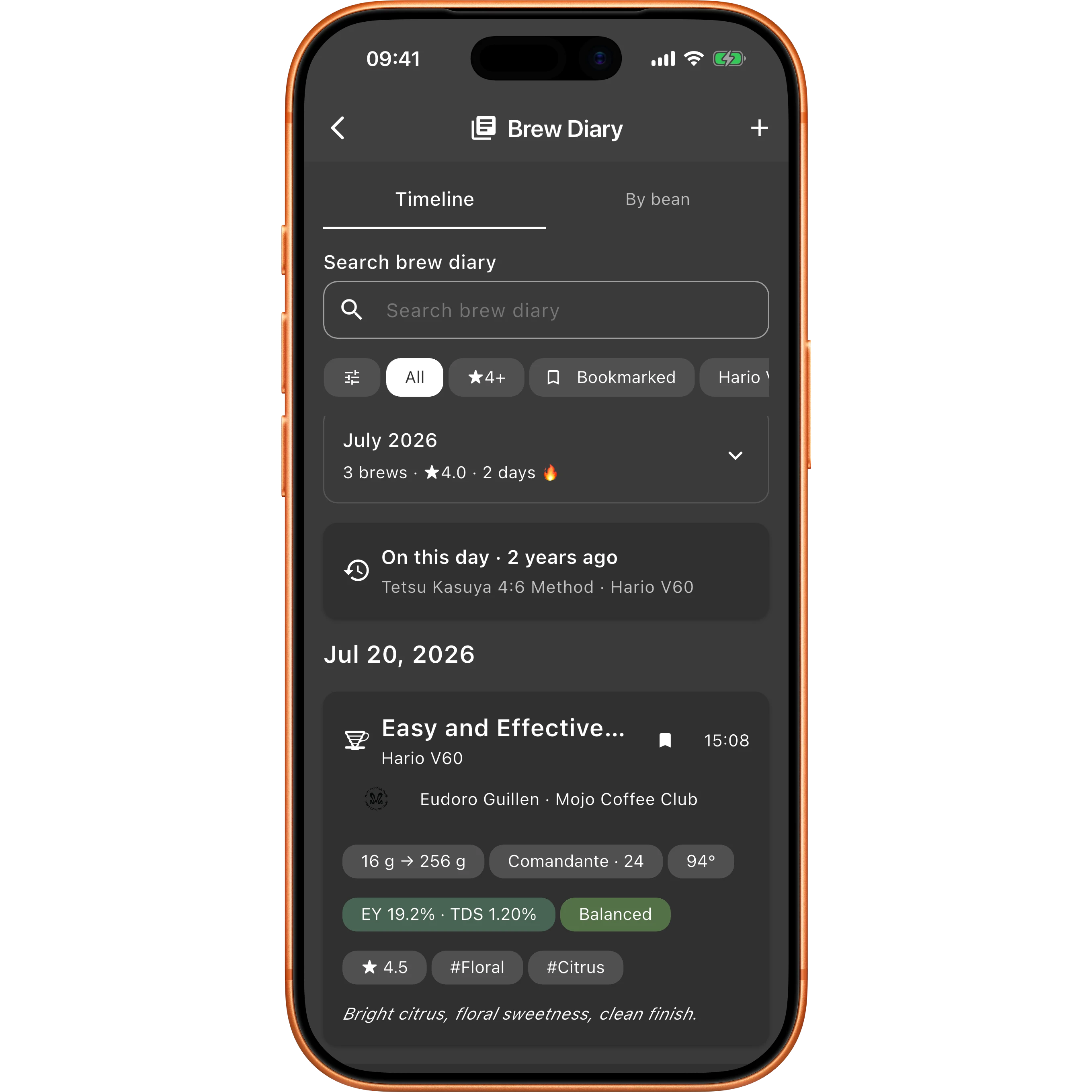
Every brew you finish is saved automatically, with nothing to fill in. Group your brews by bean and the diary shows you the path you took to a great cup — and what you changed to get there.
Saved for you, automatically
Finish a brew and it's logged with the recipe and the numbers, no extra taps. Coffees made without the app can be added by hand, and anything can be edited later.
Dialled in, or still dialling
Group by bean to see every attempt with that coffee, how it's been rated, and whether your last brew landed. Pick any two and the diary spells out what changed between them: grind held, temperature up two degrees, ratio a touch tighter.
Your month at a glance
A calendar of the month shows the days you brewed, your longest streak, and a short recap of each week — how much you brewed, your go-to method, and the best cup you had.
Find any brew again
Search and filter by method, bean, origin, rating, your own tags, or whether you left notes. Bookmark the ones worth repeating.
Discover
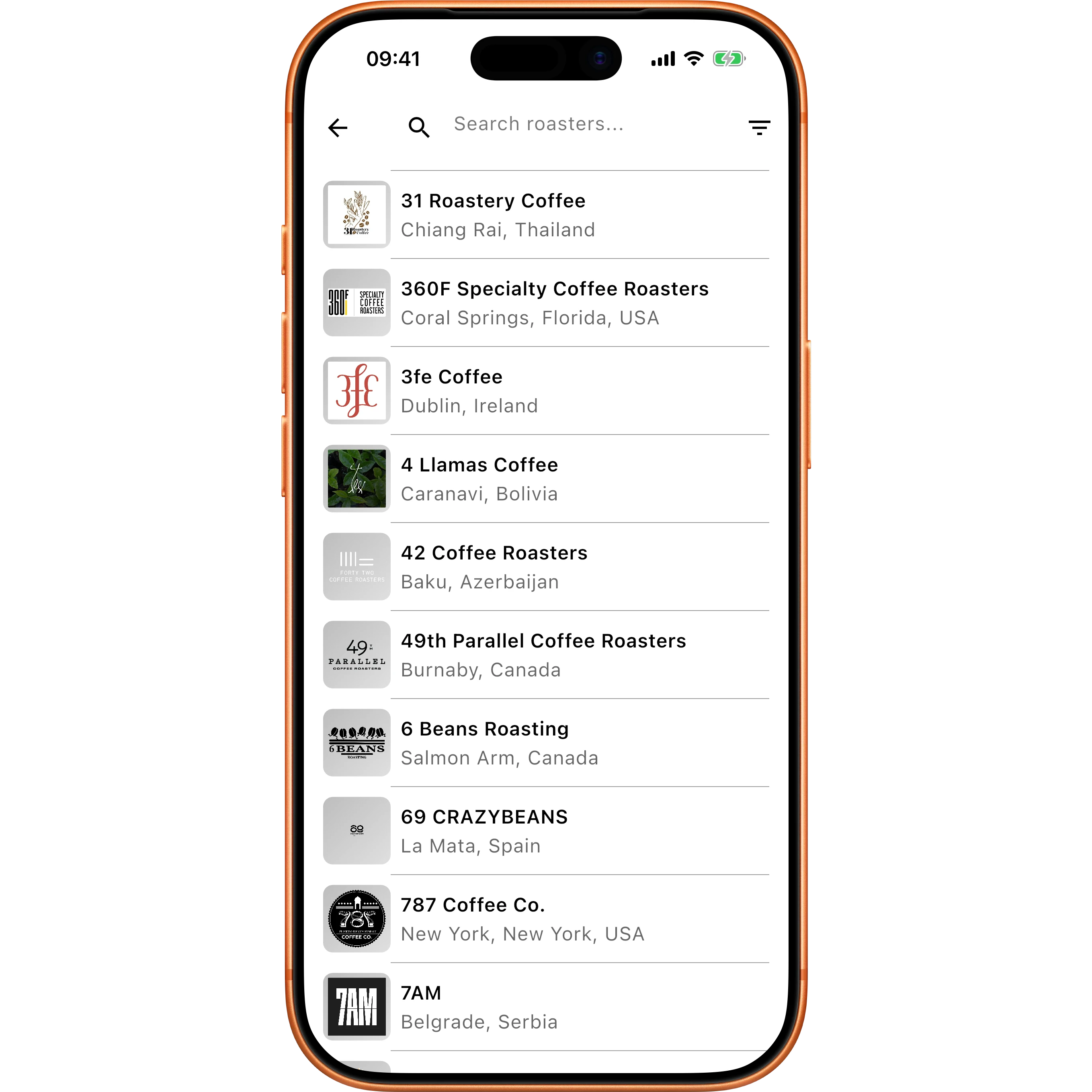
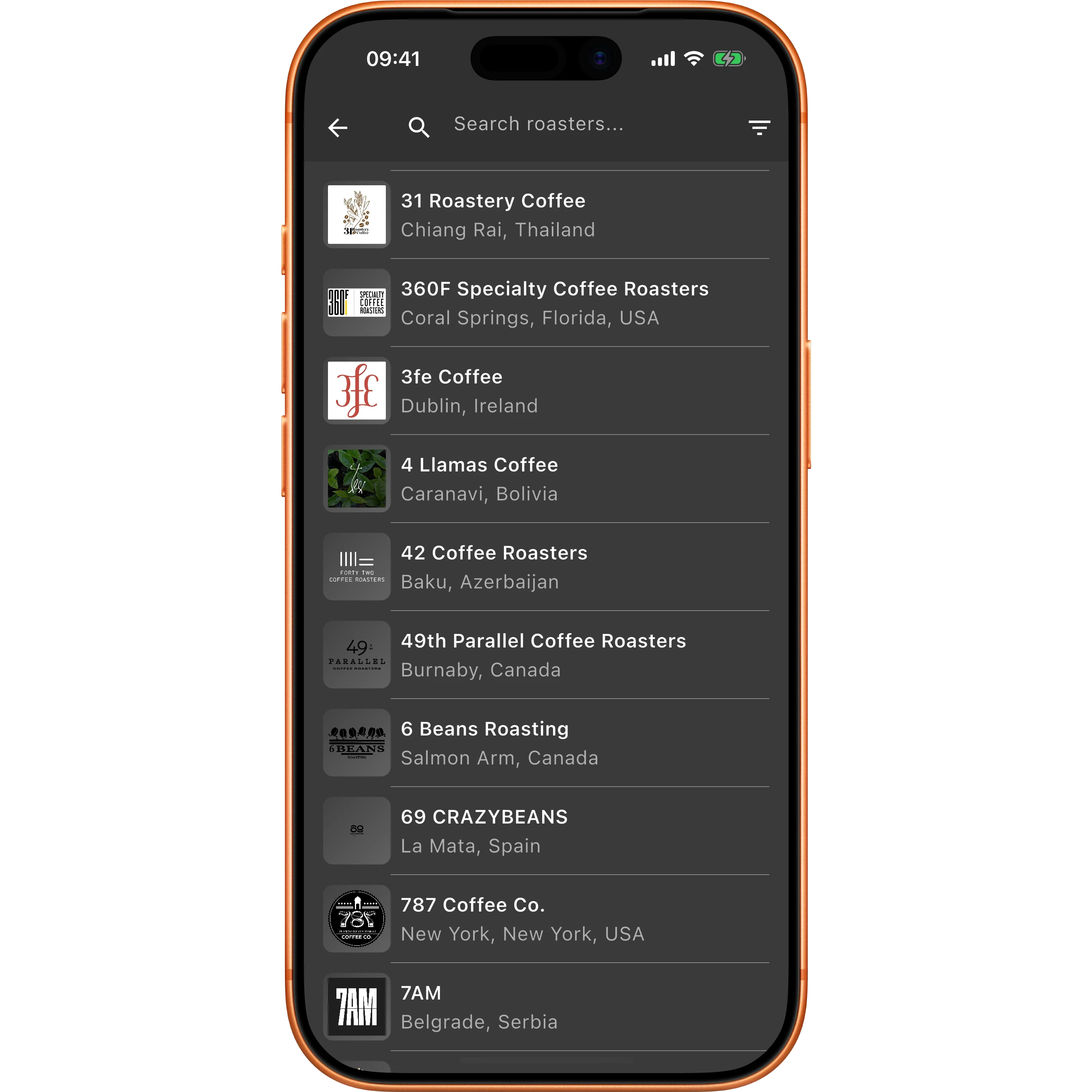
Find your next favourite roaster
Browse roasters from around the world, and watch what other people are brewing while you make your own.
Browse roasters
Search by name or country and explore roaster profiles, links and locations.
You're not brewing alone
A live feed shows brews starting around the world. Now and then you'll catch someone brewing at the same moment as you.
Explore the full roaster directory.
Yours, everywhere
Your coffee, wherever you brew
The whole app works with no internet at all, and syncs to your other devices when you want it to.
Works anywhere
Brew, log and browse with no connection, whether you're at a campsite or your kitchen Wi-Fi keeps dropping.
On all your devices
Sign in and your recipes, diary and beans sync across phone, tablet and web. If you'd rather not sign in, everything stays on your device instead.
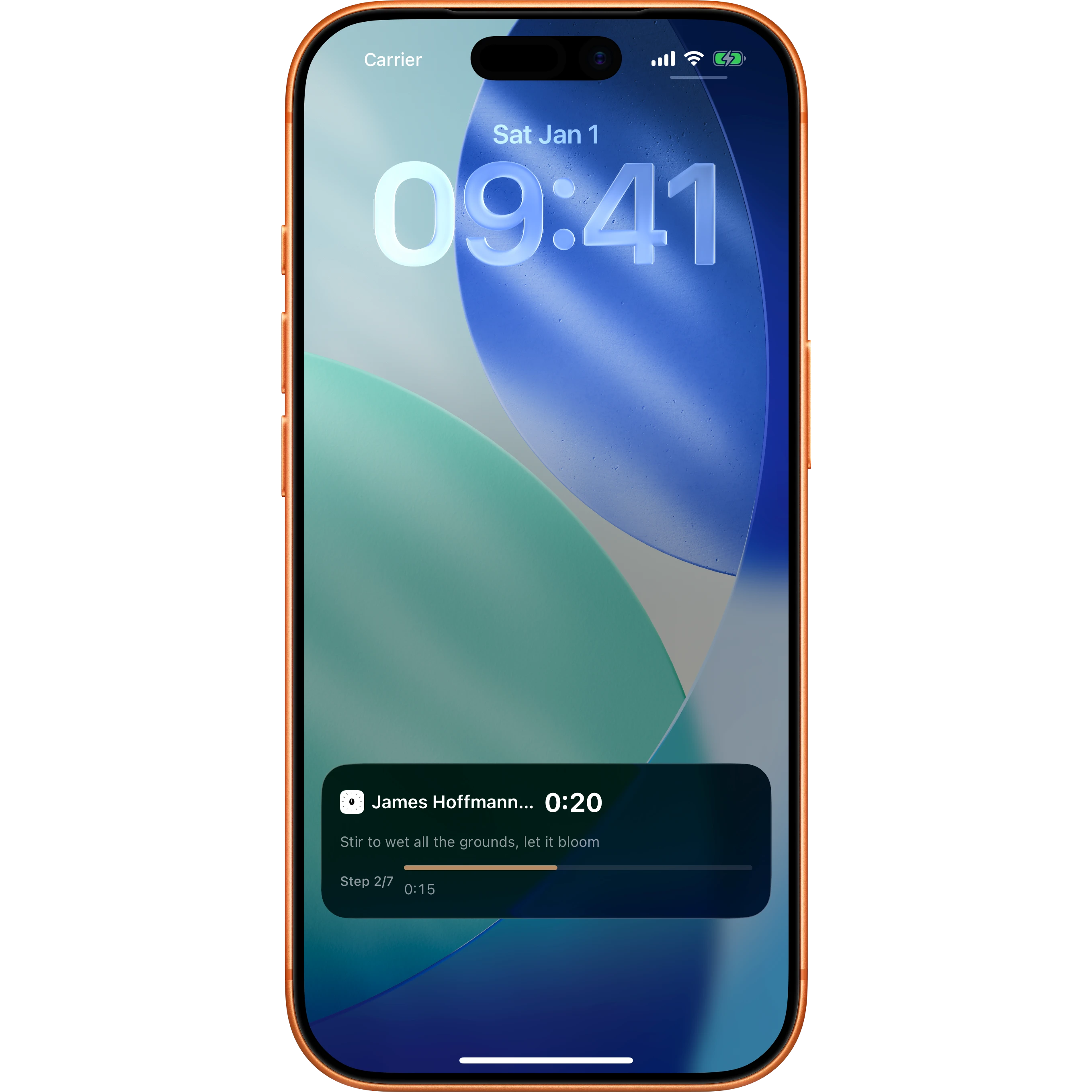
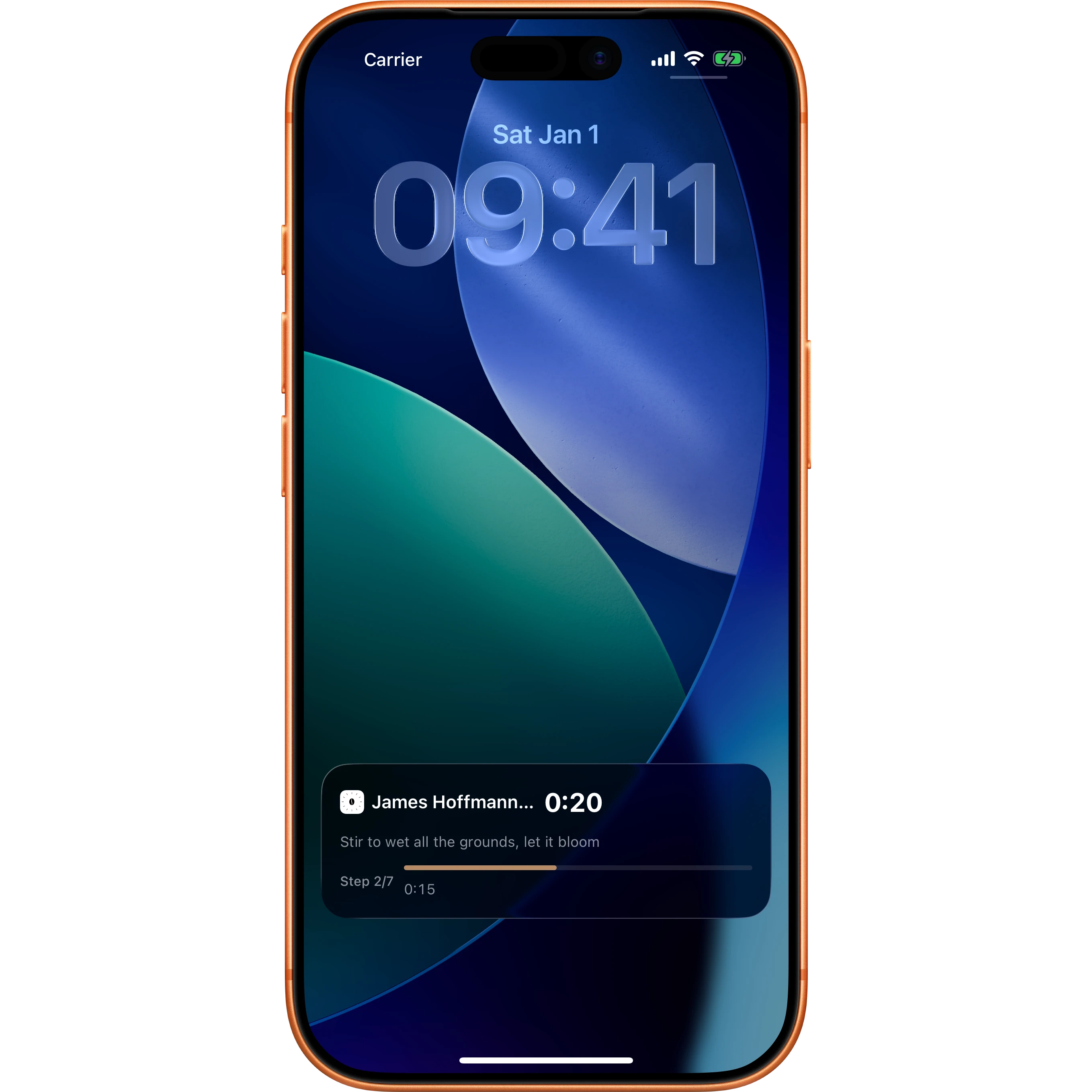
Right on your Lock Screen
On iPhone, watch your brew tick down in the Dynamic Island and on the Lock Screen. Android gets a live notification too.
On your wrist too
On watchOS 11 and later, that same Live Activity is automatically mirrored to your Apple Watch Smart Stack, no setup required.
Frequently asked questions
Get the Timer.Coffee App
Download the free and open-source Timer.Coffee App for access to 40+ recipes, brew timers, calculators, and more!