
Timer.Coffee 3.9.0 — Watch your brew fill the screen
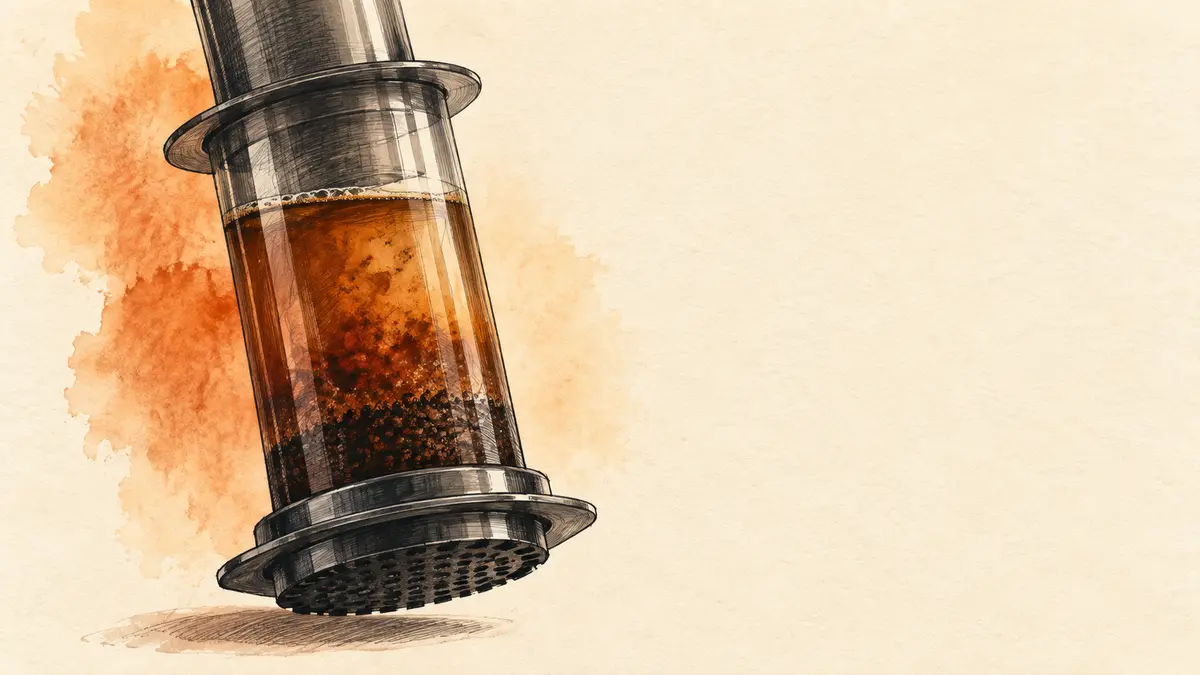
Your next brew has a new view. Timer.Coffee 3.9.0 introduces an immersive brewing screen, where coffee rises behind your timer and instructions as the brew progresses. You also get a little room to undo mistakes, better protection for your brewing history, and reminders with better timing.
A new way to watch your brew
The immersive screen turns your display into a slowly filling cup, finishing with one last drop and a ripple. You can try it from the gear icon before starting a brew, or under Settings → Advanced / Beta Features. You can switch back to the classic timer whenever you like.
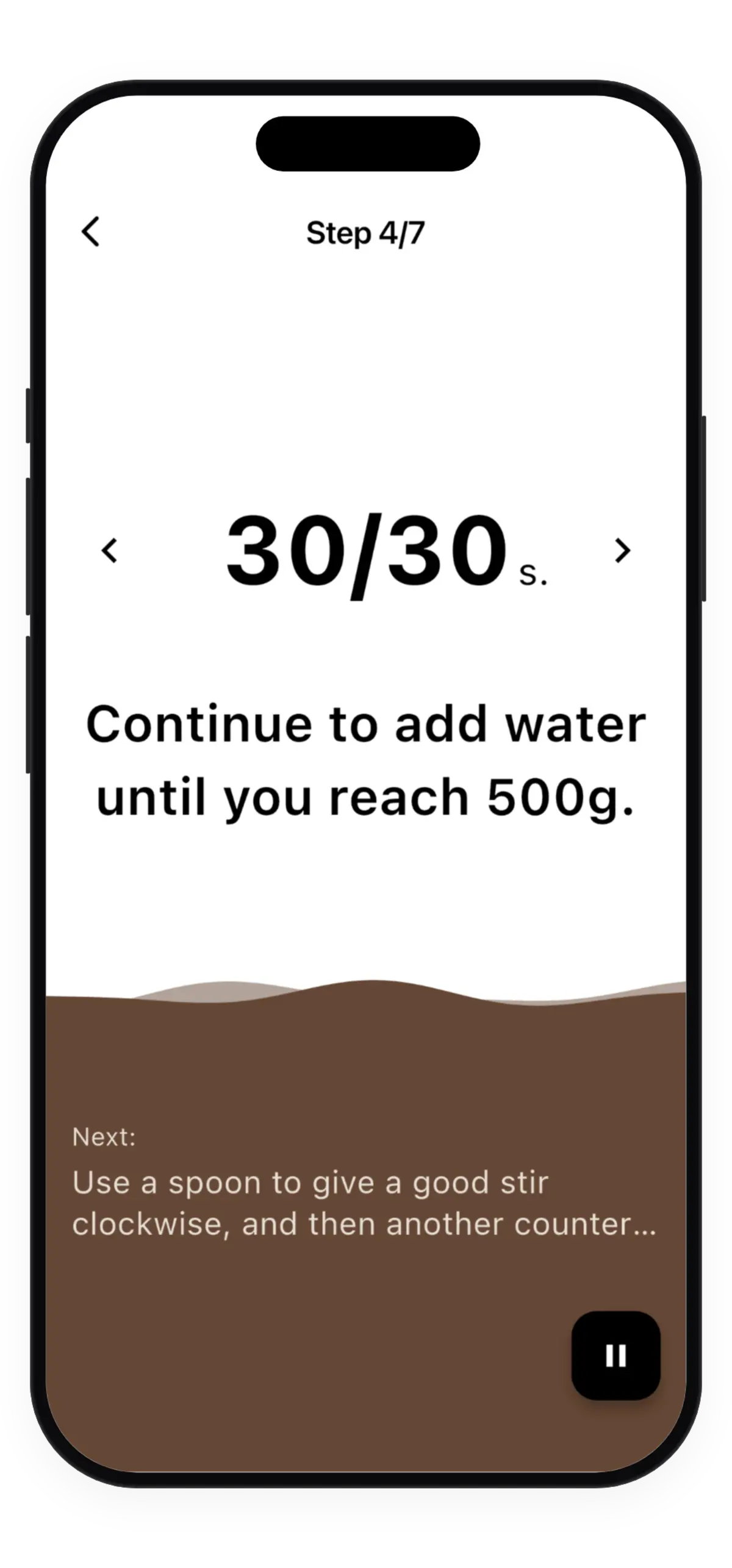
Your classic timer gets a new ending too: its ring closes and fills like a cup. On the last step, your button now reads “Finish” and appears straight away, so you can end the brew when you’re ready. Numbers and their units also stay together in your step instructions.
A little room to change your mind
Accidentally deleted a brew, a bean, or a custom recipe? You now have a few seconds to tap Undo and bring it back.
Your brewing history is better protected, too. Removing a custom recipe keeps the brews you logged with it in your diary. Removing a bean keeps its name attached to your past cups, so tidying your collection doesn’t erase their context.
Reminders with better timing
Your bean freshness reminders now look at whether you’ve brewed a bag and how long it has been since your last cup. They can nudge you about a coffee you haven’t brewed yet or one you’ve set aside, with limits that keep reminders from arriving months after roasting.
If you helped add a missing roaster, you’ll also see a thank-you once their profile is available, with a link to explore it.
Update Timer.Coffee and try the immersive view with your next cup.